
Download Need4 Video Converter – video converter, convert video, convert video to mp4, convert video to avi, convert video to mov, convert video to dvd, convert video to flv, convert video to wmv, convert video to mpeg, convert video to webm, convert video to 3gp, convert video to mkv
Overview
Need4 Video Converter is a mobile application designed to simplify the process of transforming video files and DVDs into a wide variety of formats. The app addresses common challenges related to video compatibility across devices and platforms, making it a practical tool for users who frequently transfer or share video content. Its core purpose is to enable seamless conversion between formats such as MP4, AVI, MOV, DVD, VOB, and others, ensuring that videos can be played on smartphones, tablets, computers, or media players without restrictions.
The app targets individuals involved in content creation, digital archiving, or personal video management who require a reliable and straightforward solution for format conversion. Whether users are preparing videos for sharing on social media, creating physical DVDs, or troubleshooting playback errors on specific devices, Need4 Video Converter offers a centralized utility to meet these needs. It is particularly useful for those who lack access to desktop software but still need to convert videos on the go.
Developed by Need4, the application was released on May 26, 2010, marking an early entry into the mobile video conversion space. While the developer did not provide additional background or technical details, the app’s longevity suggests a stable and functional core. In the broader app ecosystem, it serves as a niche but valuable utility tool, filling a gap for users seeking on-device conversion without relying on cloud services or complex workflows.
Key Features & Functionality
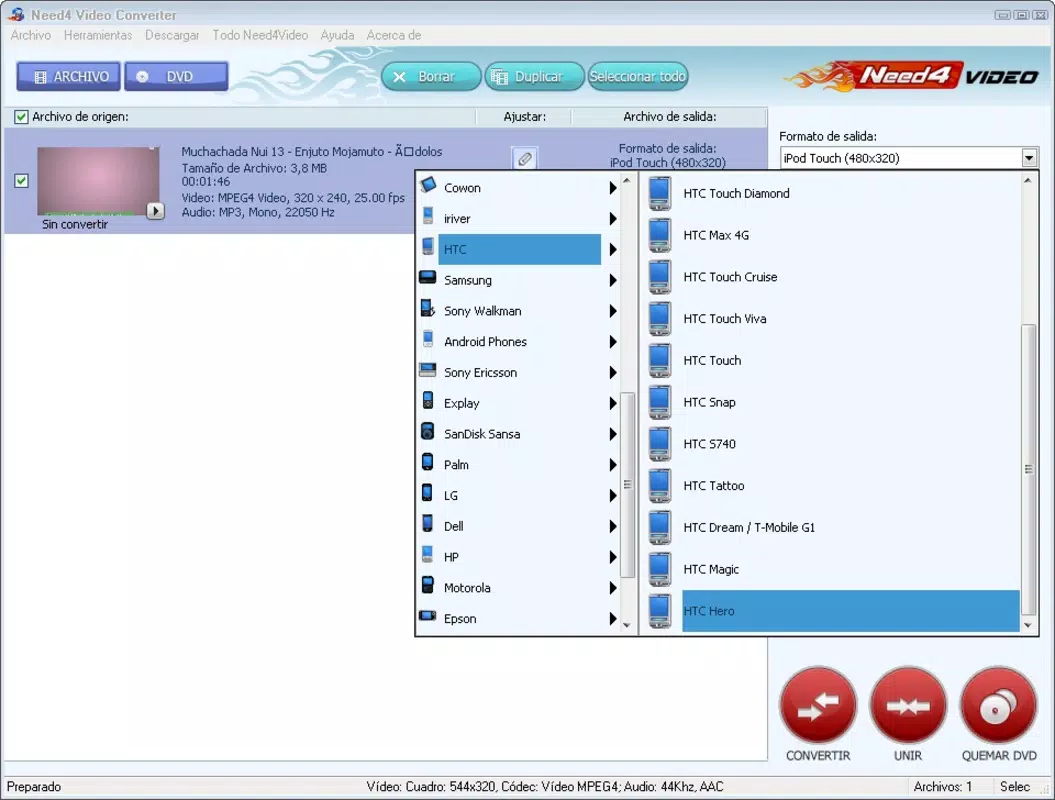
- Broad Format Support: The app supports a wide range of input formats including AVI, MOV, MP4, DVD, VOB, and many others. This ensures that users can convert nearly any video file they encounter, regardless of source or origin.
- Easy DVD Creation: With a drag-and-drop interface, users can compile video files into a DVD format with minimal effort. This feature streamlines the process of creating physical copies for long-term storage or sharing.
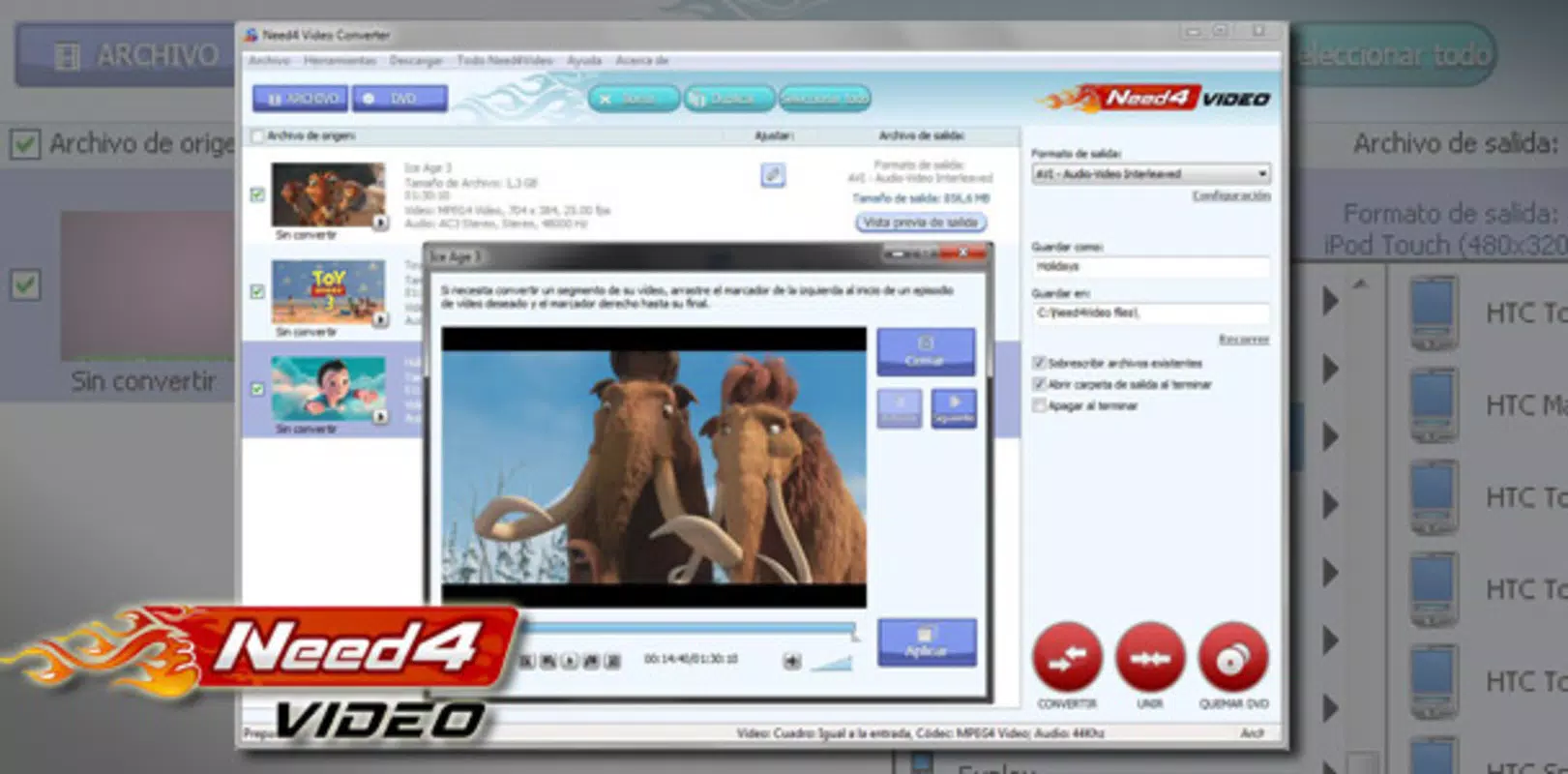
- Preview Functionality: A built-in preview window allows users to watch a 7-second snippet of their video before conversion. This helps verify content and quality before committing to the process.
- Compatibility Resolution: By converting videos into widely supported formats, the app resolves playback issues across different devices and media players, enhancing cross-platform accessibility.
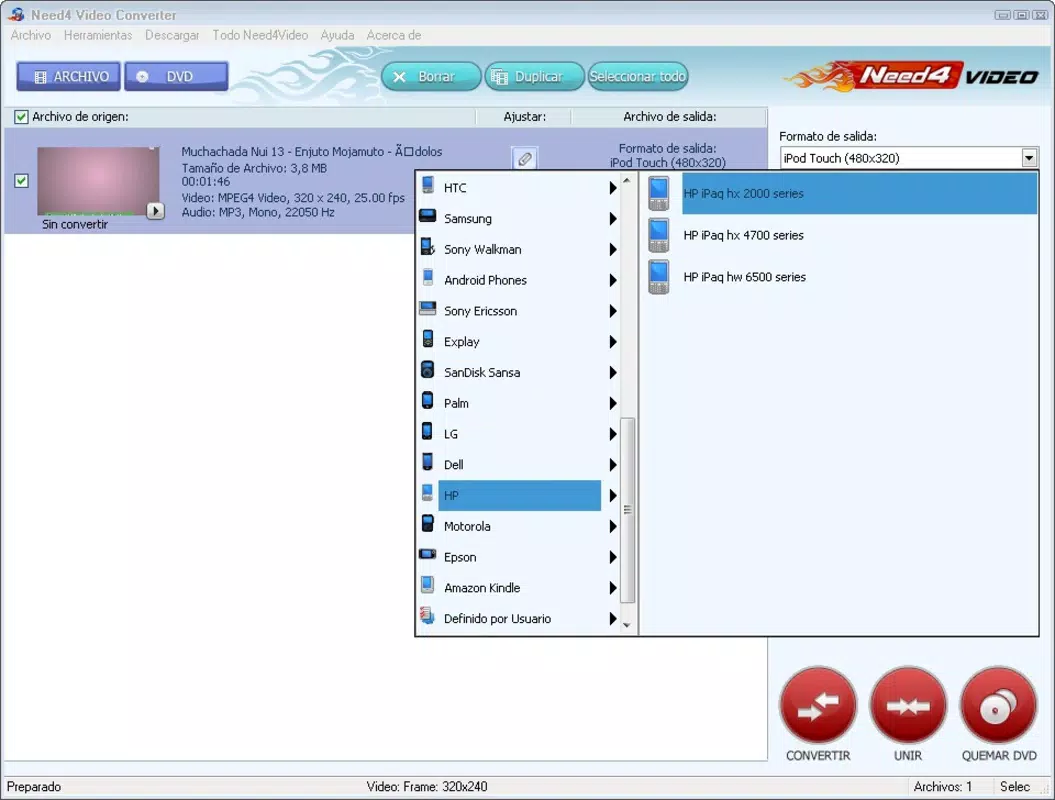
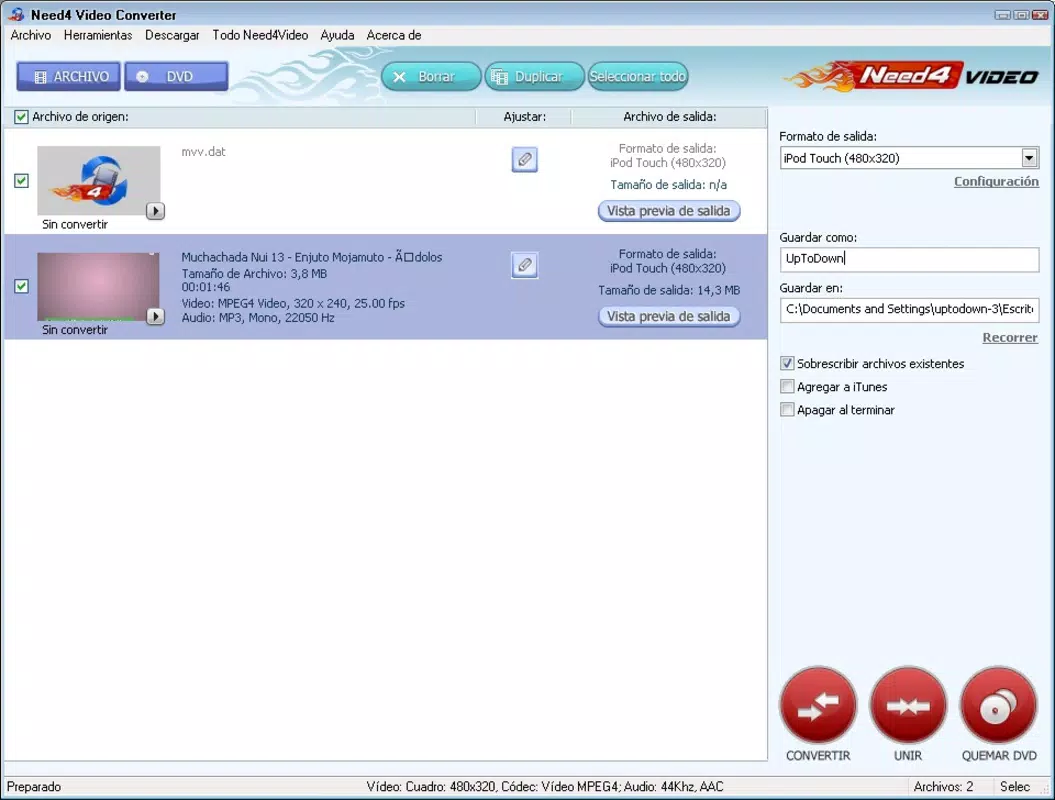
- Simple User Workflow: The application is designed for ease of use, allowing users to select files, choose output formats, and initiate conversion with just a few taps.
For example, a user preparing a family video for playback on a smart TV can use the app to convert an AVI file to MP4, ensuring compatibility. Another user might compile several short clips into a DVD using the drag-and-drop interface. The preview function adds an extra layer of confidence, allowing quick verification of content and quality before conversion.
Interface, UX & Performance
The user interface of Need4 Video Converter appears to prioritize functionality over visual polish, offering a clean layout focused on core tasks. Navigation is straightforward, with clearly labeled buttons for file selection, format choice, and conversion initiation. The drag-and-drop functionality for DVD creation suggests an effort to simplify complex workflows for non-technical users.
Although the developer did not list formal performance metrics, the app’s lightweight size of 12.3 MB indicates efficient resource usage. This suggests it is designed to operate smoothly on a range of Android devices, including older models with limited processing power. Responsiveness is likely consistent with typical mobile utility apps, though actual performance may vary based on device hardware and video file complexity.
Stability is expected to be reliable given the app’s long-standing presence since 2010. However, specific details about crash rates, memory usage, or background processing were not disclosed. Users should expect a basic but functional experience, with no indication of significant bugs or usability hurdles based on available information.
Platform Compatibility & Technical Requirements
Need4 Video Converter is available on the Android platform. The current version is 1.0, with a file size of 12.3 MB. The app is free to download and install, making it accessible to a broad audience.
The developer did not specify minimum OS requirements or compatibility details for different Android versions. As such, users should ensure their device meets general Android system standards for running basic utility apps. Compatibility with specific devices or hardware features was not fully disclosed.
Pros and Cons
Pros
- Supports a wide variety of video formats for both input and output.
- Intuitive drag-and-drop interface for DVD creation.
- Includes a preview feature to verify video content before conversion.
- Lightweight file size ensures minimal storage impact.
- Free to download and use with no in-app purchases.
Cons
- Specific OS requirements were not listed.
- No information on update frequency or developer support.
- Limited visual design and modern UI elements.
- Performance on high-end devices was not confirmed.
- No cloud integration or batch conversion features were mentioned.
FAQ
Is Need4 Video Converter safe to download and use?
Yes, the app is free and available through official channels. As it has been in use since 2010, it has demonstrated a stable presence in the Android ecosystem. Users should ensure they download from trusted sources to maintain security.
Can I convert videos to MP4, AVI, and MOV using this app?
Yes, the app supports conversion to multiple formats including MP4, AVI, and MOV, among others. This allows users to tailor their output to specific device or platform requirements.
Does the app support batch conversion of multiple files?
The app’s documentation does not specify batch conversion capabilities. Conversion appears to be handled on a per-file basis, though this may depend on the user’s workflow.
Is Need4 Video Converter compatible with older Android devices?
While the app’s file size is small (12.3 MB), the developer did not list minimum OS requirements. It may run on older devices, but compatibility is not guaranteed without further information.
How often is the app updated?
Specific update frequency was not provided. Given its release date in 2010 and current version 1.0, updates may be infrequent. Users should monitor official channels for any future releases.
Final Thoughts
Need4 Video Converter remains a dependable utility for users seeking a straightforward way to convert video files on Android. Its broad format support, simple interface, and preview function make it a practical tool for everyday video management tasks. While it lacks modern design elements and advanced features like batch processing, its core functionality is solid and effective for basic conversion needs.
It is especially valuable for users who need to create DVDs, resolve playback issues, or prepare videos for different devices without relying on desktop software. The free pricing model enhances its accessibility, making it a worthwhile addition for anyone managing video content on mobile.
Download Need4 Video Converter now


